Yesterday, I mentioned that Stephen won the section f tournament at the 1960 Chess club. Here is a picture of him with his trophy.
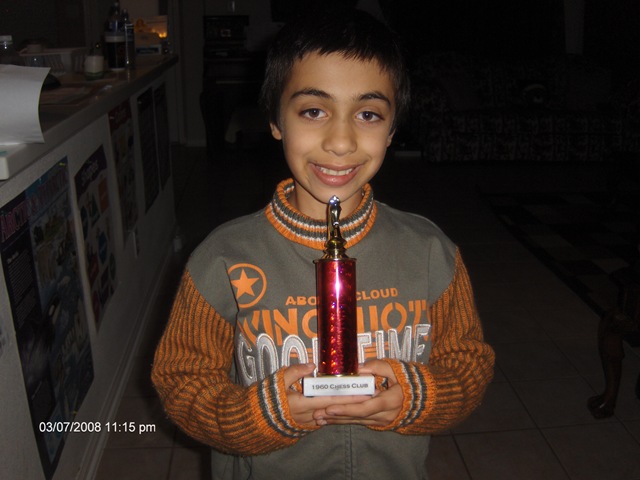
Yesterday, I mentioned that Stephen won the section f tournament at the 1960 Chess club. Here is a picture of him with his trophy.
This morning we started the day with Starbucks coffee and home made pancakes (the just add water kind). Yagi-san had requested a map of Houston yesterday, so I picked up one this morning at the gas station next to the Starbucks. They also had one of San Antonio which we will be visiting during his stay. I got that as well.
I had to work this morning. But Yagi-san went swimming at the YMCA this morning with my in-laws.
At lunch time, we meet Toshio and ate at Bennigans. During lunch Toshio mentioned that he knew of three free tickets to the Aeros Hockey game tonight. So we decided that Yagi-san, my self, and my youngest son Christopher would go.
Then we dropped Toshio at work. Picked up Christopher early from school. Then we drove by the nicer part of my neighborhood where the million dollar homes are. And we drove around Hooks Airport which is next to my subdivision. It was a windy day so there was no one flying.
Then we went to Barbara Bush library to return some books. I had planned to get Yagi-san some videos about the places we would visit, but there really wasn’t anything. And Yagi-san did not seem inclined to get anything. There was one of those tourist brochure stands, so we picked up some of things to see around here.
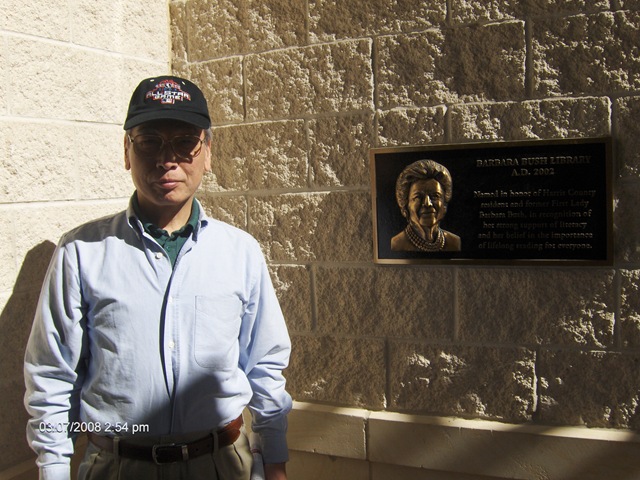
Then we went to the Hong Kong market.

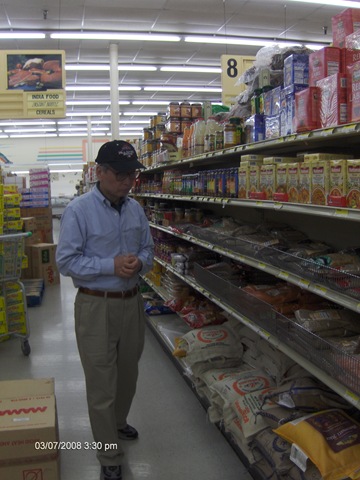
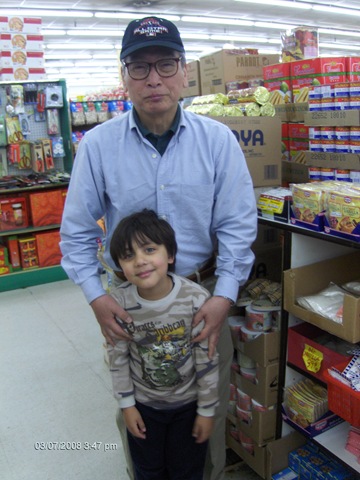

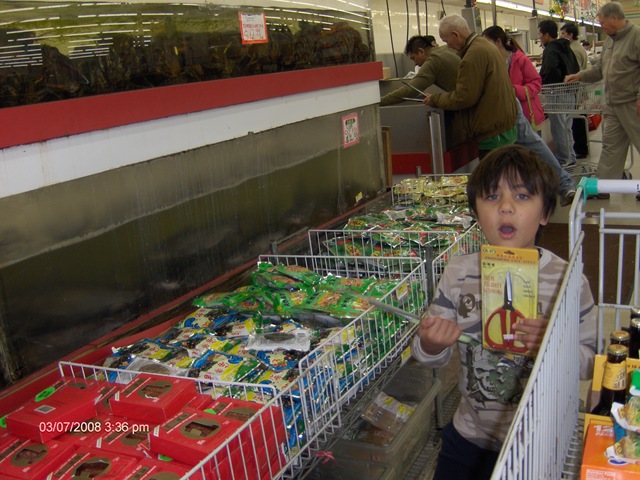
Then I dropped Yagi-san off at the house for a nap. Picked up Stephen and dropped him off at home. Then we went to get Christopher a hair cut.

Then we went home and feed the kids. And we waited for the Hockey game.
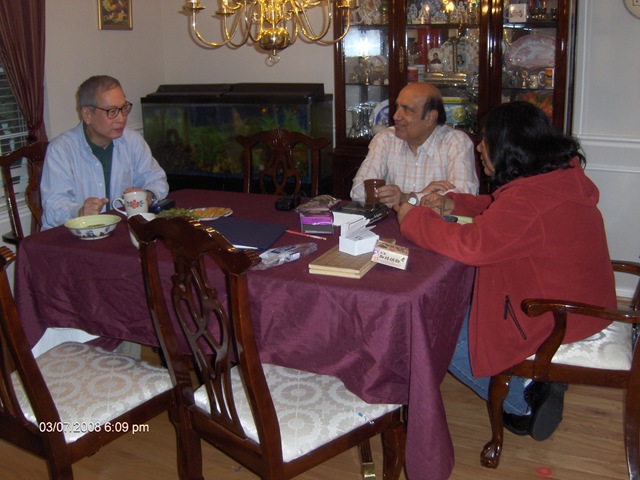
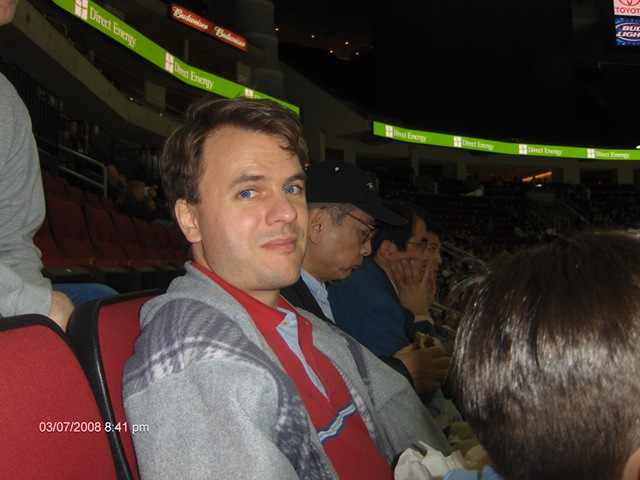
The we went to the Hockey game with Toshio.
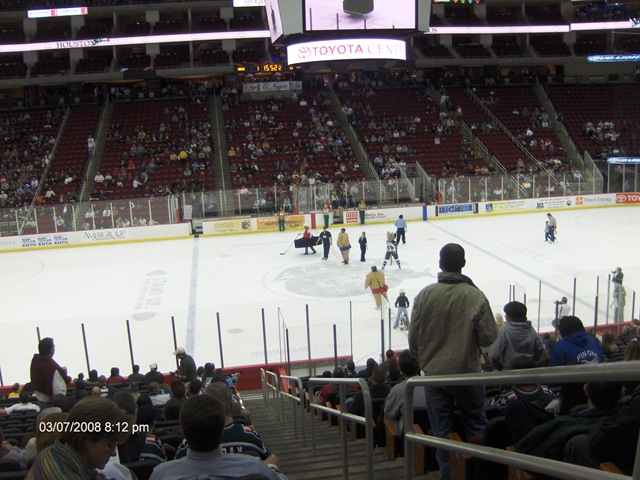
We had pretty good seats. Here is one of the contests they had between the periods.
A cheerleader was passing by so we got a picture.

Also got a picture with the Aeros mascot “Chill Dog”

Christopher enjoyed cotton candy
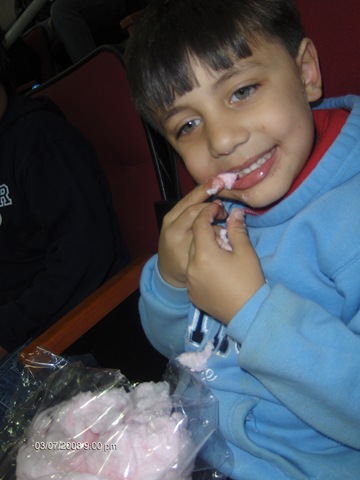
And I had a good time too:
While we were at the hockey game, Stephen went to the chess tournament for the first time. He won 4 games and got a trophy.
anyway, off to sleep tomorrow. Got a big day. running in the morning, then all day at my dad’s place.
If you have been talking to me at all in the past month, you must be knowing that my friend from Japan is visiting me for three weeks. This has been a big focus for us for the past few weeks. First, let me review how I met Yagi-san. I was in Tokyo in April 2007 for a work meeting. I was on the subway and this older gentleman set next to me. I tried to speak some Japanese to him, but I do not think I said it correctly. He says, “I would prefer it if you spoke English to me.” So we talked a little and ended up exchanging email addresses.
We kept in touch via email. Then my family and I visited Tokyo in July 2007. We all went to his house and got to meet his family. And we invited him to come to visit us. That is now happening.
I have been trying to plan his trip. You can see the wiki page where I have the latest plan at: https://www.gadgetnate.com/wiki/index.php?title=Yagi-san%27s_visit_in_March_2008
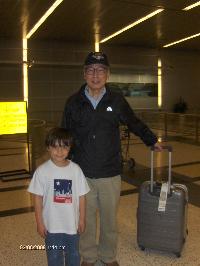
Today, Christopher and I picked him up at the airport:
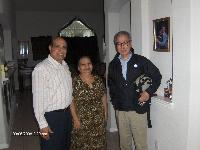
We came home and met my mother-in-law and father-in-law.
We chatted a bit, and then he took a nap. So, I thought it would be good to go back to work. Later that evening, Stephen played the piano for us.

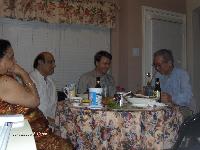
Yagi-san brought us all gifts. I got a learn Japanese book. Hopefully I can work on it while he is here. Then we all sat down and had dinner together.
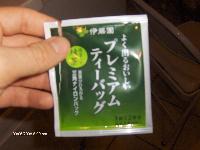
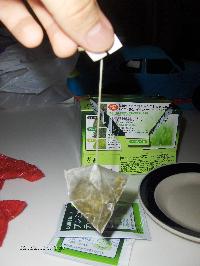
Yagi-san bought some very good green tea.
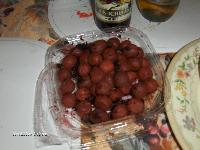
And some berries… I will have to get the names later.
And he brought some sochu, which we will have to try this weekend.

After eating, Stephen played Shogi.
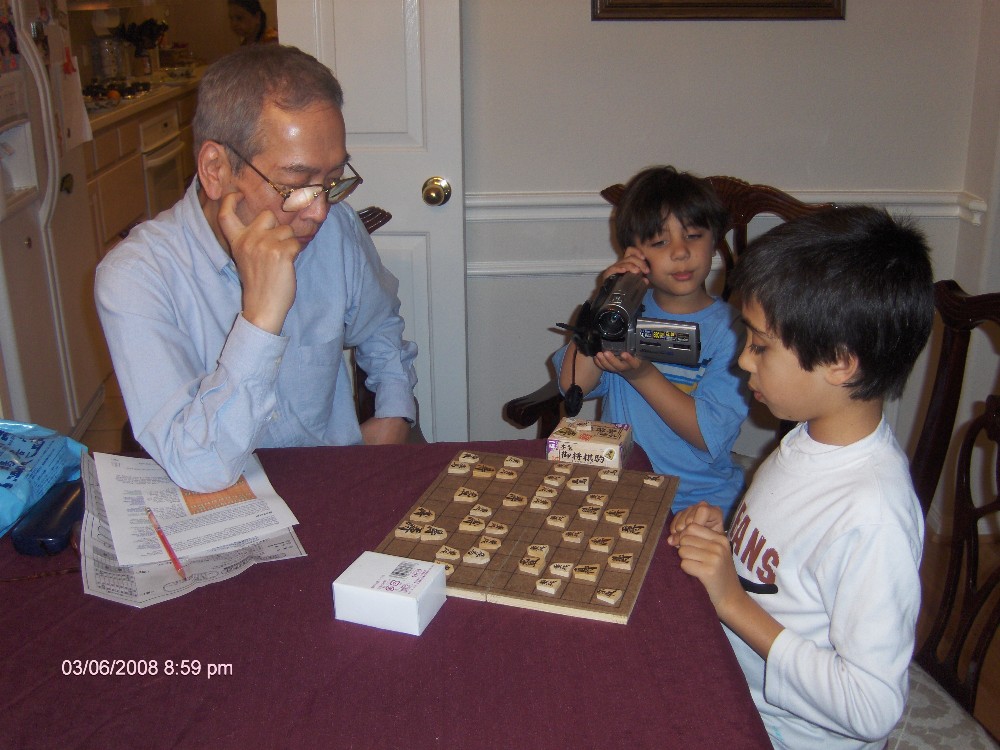
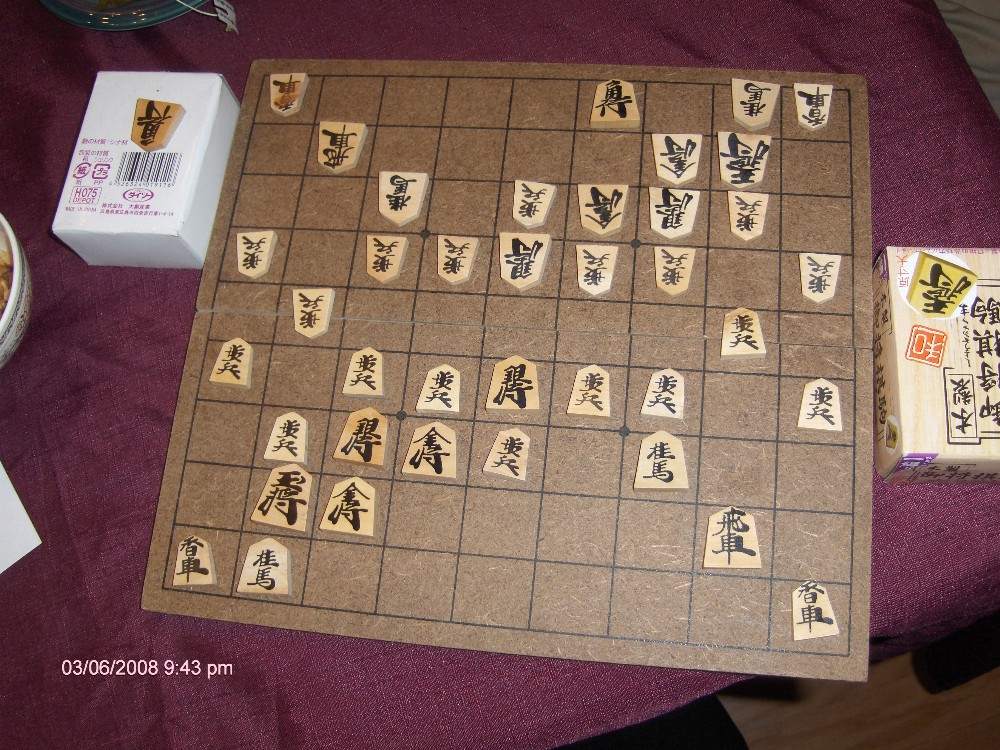
Then I tried playing shogi and learned the Kaku Gawari defense:
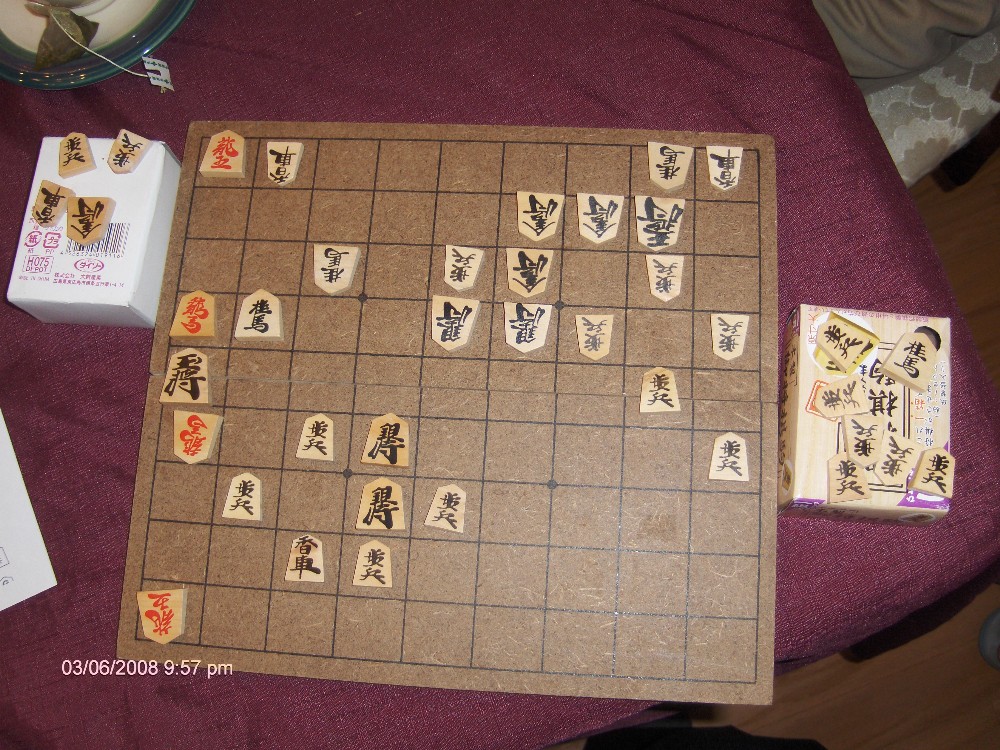
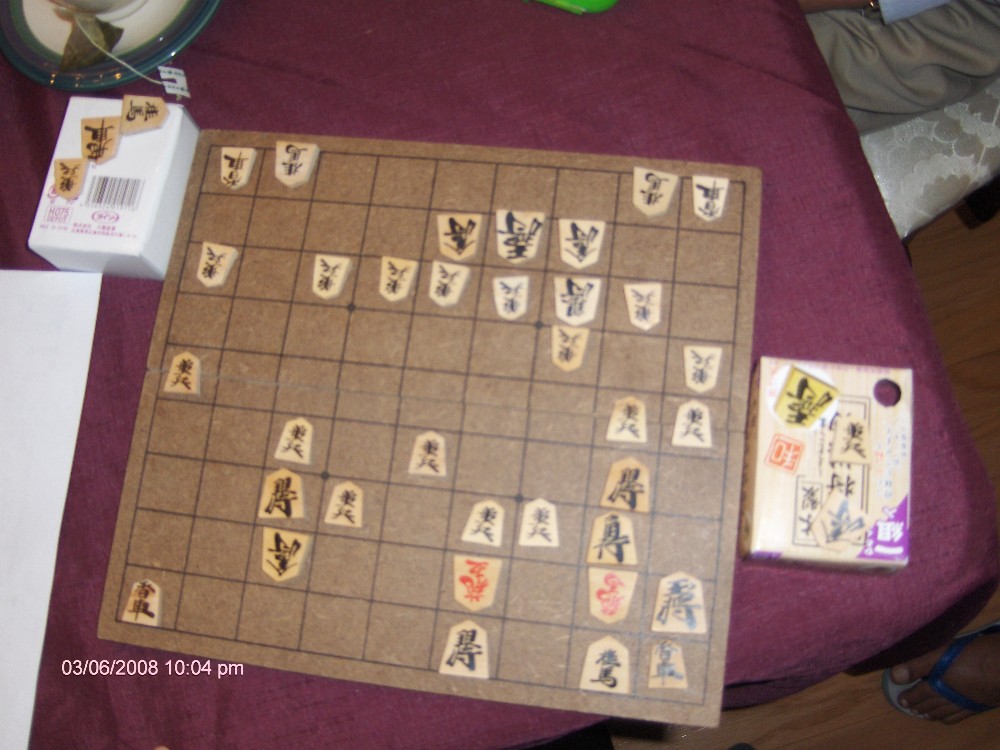
But it wasn’t enough… I lost two games:
Yes, I too have joined the ranks of the people that successfully gotten a rails app to work on DreamHost.com! This is something that I have been toying with since August 2007!
There have been lots of things that helped:Â One is this posting: http://www.railshosting.org/#dreamhost
the other is advice from a Houston Ruby user’s group member, Neils, that said to make rails run in the “root” of the domain and not in a sub folder.
Anyway, here is my rails app: a simple Hindi<->English dictionary http://foo.ispeakhindi.comÂ
Now that I have been able to get a rails app from dev to pro, it is time to start doing some serious rails development. Now, I need to get my dev environment up to date with the latest version of rails. There were some surprises like “start_form_tag” and “end_form_tag” are no longer used. And I really need to get a GUI to start doing my development in. I think I will try NetBeans though I have heard it is slow…
And I think I need to get capistrano working to make it a one click to deploy. Got to get source control up and running. Maybe I should install redmine to do my project/version management? Need to figure out what I am going to use to write test scripts in. Rspec? Anyway, lots to do… but I can see the process from beginning to end.. So now time to start get cranking…
Need to share your desktop or remote control somebody else’s computer to explain something or fix something? Consider using Team Viewer. It works behind routers. And it seems to work pretty well. Plus it is free:
I’ve been wanting to get into electronics. I have so many kits, parts, books, and ideas. But nothing really put together. I had thought about creating a device to count the number of times that a ping pong ball hits the backboard, but I’m not really sure how to measure each hit. I was thinking of using a microphone and counting pulses, but I’m not quite there yet.
Then at the “Executive” meeting at the HP Houston Toastmasters club (I’m the newly elected VP of Education), there was an agenda item to consider buying a speech timer. You would program the minimum and maximum time. Then click start. And it would turn on a green light once you got to the minimum time. It would show the yellow when you were halfway between the minimum and maximum time. And then it would show red when you get to the maximum time.
So, this all seems simple. I know how to program a basic stamp from parallax to turn on lights, respond to buttons, and display things on an LCD screen. I just need to put them all together. So, stay tuned with the blog to see how I go about doing that.
I have created a wiki page for the project to so you can look at the latest design: Speech Timer Wiki Page
Yesterday, I successfully hooked up my Basic Stamp board to my laptop, wired up an LCD display, and completed the “Experiment #11: A Basic LCD Demonstration”. This showed me how to actually get something to show up on the display.
Today, I need to do “Experiment #30: Using a Real-time clock”. This will ensure that I can count the seconds and minutes accurately. And I want to combine what I learned from #30 and #11 to show the time on the LCD screen. So, lets see how that goes.
Experiment #30: Using a Real-time clock
We use a DS1302 real-time clock (RTC) and a 32.768 kHz crystal hooked up to the stamp.
The crystal has no external markings, but I found this picture on digikey: 
The total length is about 1/2 inch. The component part is only 1/4 inch long.
Need a 1k resister.. What are the color bands? Time to google… ahhh Here we go:
http://www.micro-ohm.com/colorcode/rescolor.html
Brown-black– red
double check with VOM
Got everything hooked up… sample program loaded.. but the time does not increment…
I wonder if the DS1302 or the crystal has gone bad?
Well, that’s all for today.. Hopefully I will get a chance to look at it more tomorrow.
Next time you create a “Mailto:” link, consider adding a subject, beginning body, and maybe some people to CC. I found this page really useful:
So, how often have you wanted to make a short screen recording with audio? or maybe take a snapshot of a page and mark it up to email to somebody?
Maybe you are experiencing a problem, and you are having trouble explaining it to support? Perhaps you are support and you are having trouble explaining the solution? Perhaps you are collaborating with people and you need a way to express your thoughts. Well, enter Jing.. Check it out here:
I really would like to get into electronics, robotics, and tele-presence in a big way. But I have little skills in this regard. Lots of ideas, but little skills. No problem.. Just develop the skills.
Over the years, I have bought and collected many electronics/robotics learning kits. My plan is to go through them, develop some basic skills, and then start attempting to create a tele-presence device that will allow for me to remotely do gardening, build things, household chores, etc.
To get started, I will be going through the StampWorks manual. In the course of this, I will learn basic electronics, microprocessor programming, interacting with LCD panel, motors, and other devices.
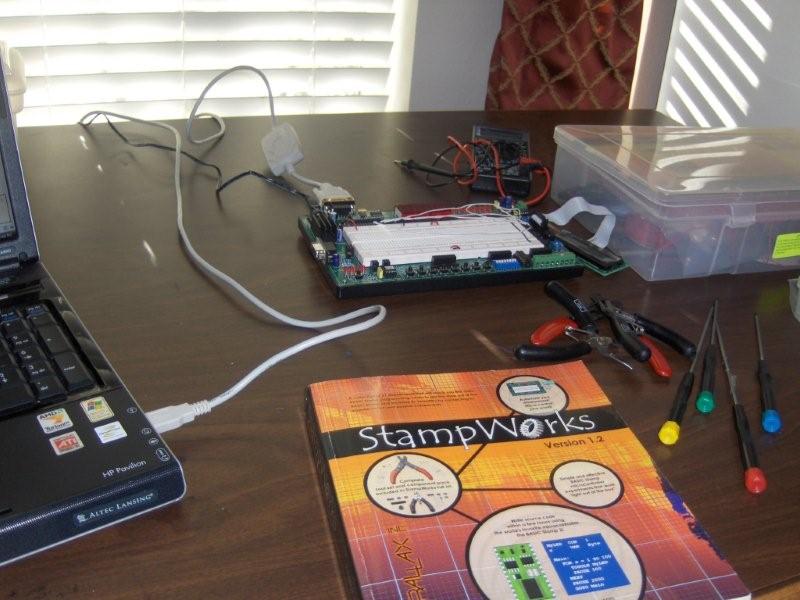
So, let’s go over the setup:
1) StampWorks Kit from Parallax
2) USB to Serial connector from Radio Shack –ooops, no VISTA drivers… I need to find a different device…
3) HP laptop computer
I checked the Parallax site for a more recent version of the Basic Stamp IDE. There is a newer one (v.2.3.9), that can be found on the Basic Software download page.
Now to test out our setup. First program
‘ {$STAMP BS2}
DEBUG “The StampWorks lab is ready!”
— could not connect to the stamp because there is no VISTA driver for the USB-Serial device I have…. Stay tuned…